Quantum Fiber C4000 Blinking Orange and Green: Meaning
On Quantum Fiber C4000 equipment, blinking orange and green can indicate an automatic firmware update is in progress.
Quantum FiberOrange and GreenBlinking alternating colors

Blinking pattern
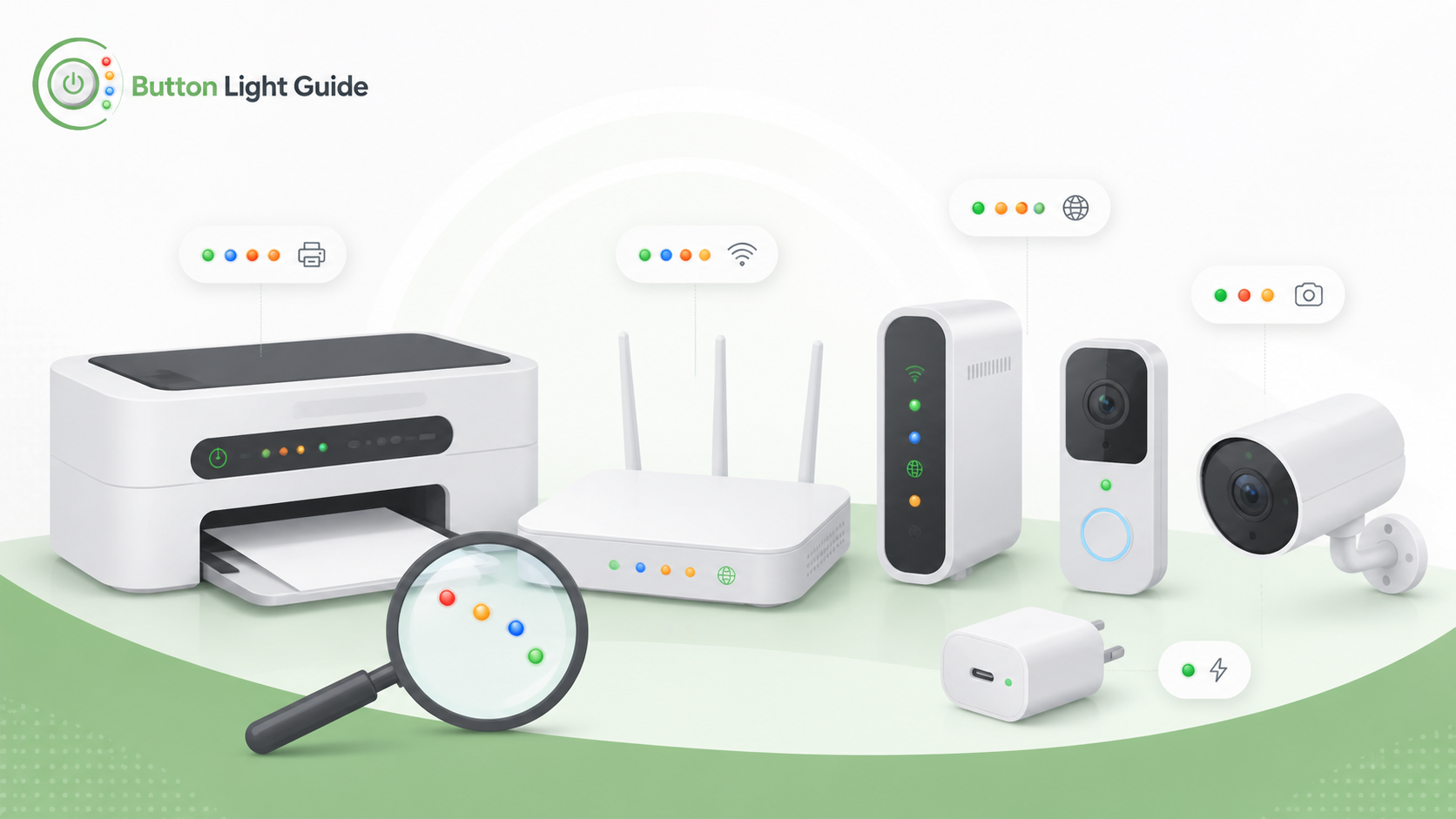
On Quantum Fiber C4000 equipment, blinking orange and green can indicate an automatic firmware update is in progress.
On the Canon MG3620, the ON lamp and Alarm lamp flashing alternately can mean an error requiring service may have occurred.
On the Zebra GK420d, flashing red, amber, and green means memory defragmentation is running, and Zebra warns not to reset or turn off power.
On Arlo camera LED guidance, alternating blue and amber means a firmware update is in progress, and Arlo warns not to turn the camera off.
On Blink Mini guidance, blinking red and blue during a hard reset is a signal to release the reset button.
On eufyCam 2 / 2C / 2 Pro / 2C Pro guidance, blinking red and blue alternately means firmware is upgrading.
On Wyze Cam v3 Pro, flashing red and blue means the connection is in progress.
For Kasa smart plugs and switches, TP-Link says the Wi-Fi LED blinking orange and green means the device is in config mode.
Helpful next guides
Compare this blinking or status pattern across different device types and brands.