Brother DCP-T220 WiFi LED Blinking: Meaning and Fix
If the Brother DCP-T220 WiFi Button/LED keeps blinking for more than a few minutes, Brother recommends restarting Wi-Fi from the printer controls.
DCP-T220BlueBlinking for several minutes

Brand hub
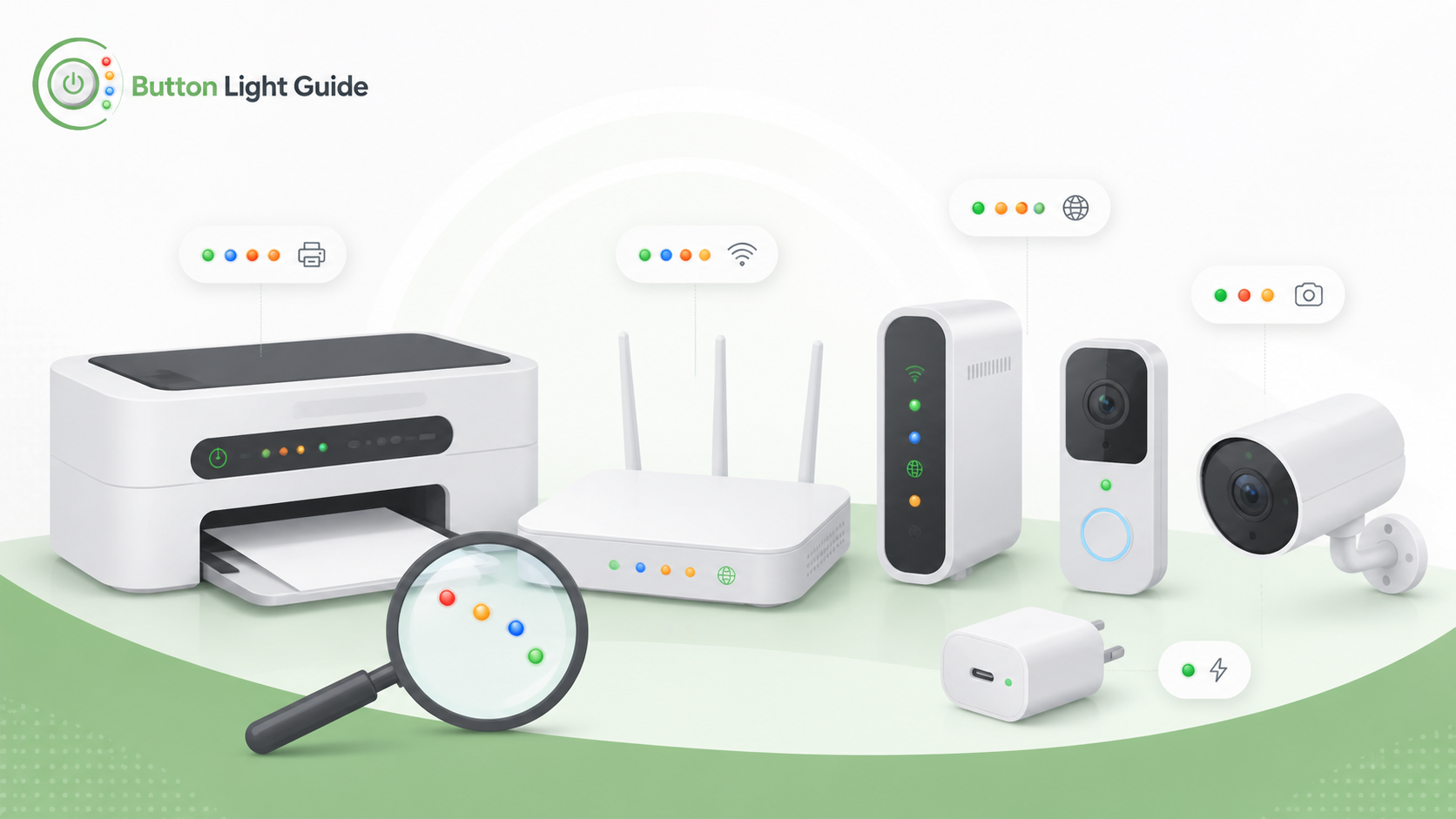
If the Brother DCP-T220 WiFi Button/LED keeps blinking for more than a few minutes, Brother recommends restarting Wi-Fi from the printer controls.
On the Brother HL-L2300D, a dimmed green Ready LED means the printer is in Sleep mode or Deep Sleep mode.
On the Brother HL-L2310D, the Drum LED indicates the drum unit must be replaced soon.
On the Brother HL-L2310D, the Toner LED indicates the toner is low.
On the Brother QL-1110NWBE, an orange light flashing at 0.5 second intervals means the printer is in Cooling mode.
Helpful next guides
Browse model-specific light meanings and common status LED fixes for this brand.