Google Nest Wifi Pro Fast Blinking Red: Meaning and Fix
On Google Nest Wifi Pro, fast blinking red means something is wrong and Google describes it as a critical failure.
Nest Wifi ProRedFast blinking

Brand hub
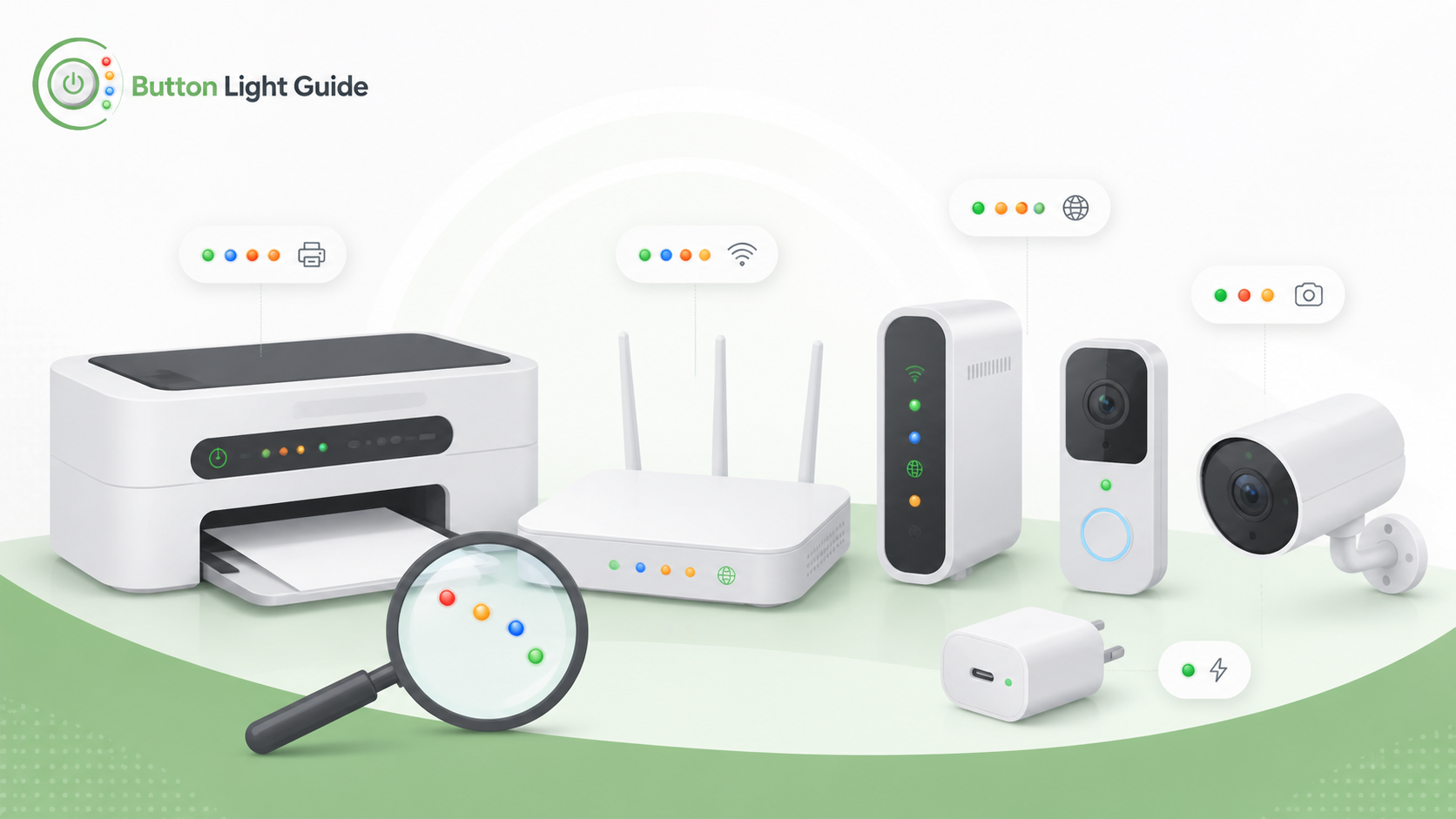
On Google Nest Wifi Pro, fast blinking red means something is wrong and Google describes it as a critical failure.
On Google Nest Wifi Pro, slow blinking yellow means there is a network error or WAN connectivity was lost.
On Google Nest Wifi Pro, slow pulsing blue means the device is ready for setup.
On a Google Nest Wifi router, pulsing yellow means there is a network error.
On Google Nest camera and doorbell reset guidance, blinking yellow means the device is counting down to factory reset while the reset button is held.
On Google Nest camera and doorbell guidance, the status light turning solid green means the camera is recording.
On Google Nest camera and doorbell guidance, a solid yellow status light means factory reset has started.
On Google Nest thermostat guidance, a blinking green light near the top of the display means the thermostat is updating software, starting up, or restarting.
Helpful next guides
Browse model-specific light meanings and common status LED fixes for this brand.