Xfinity Gateway Blinking Blue Light: Meaning and Fix
A blinking blue light on an Xfinity Gateway means WPS mode is active and the gateway is trying to connect with another wireless device.
GatewayBlueBlinking

Brand hub
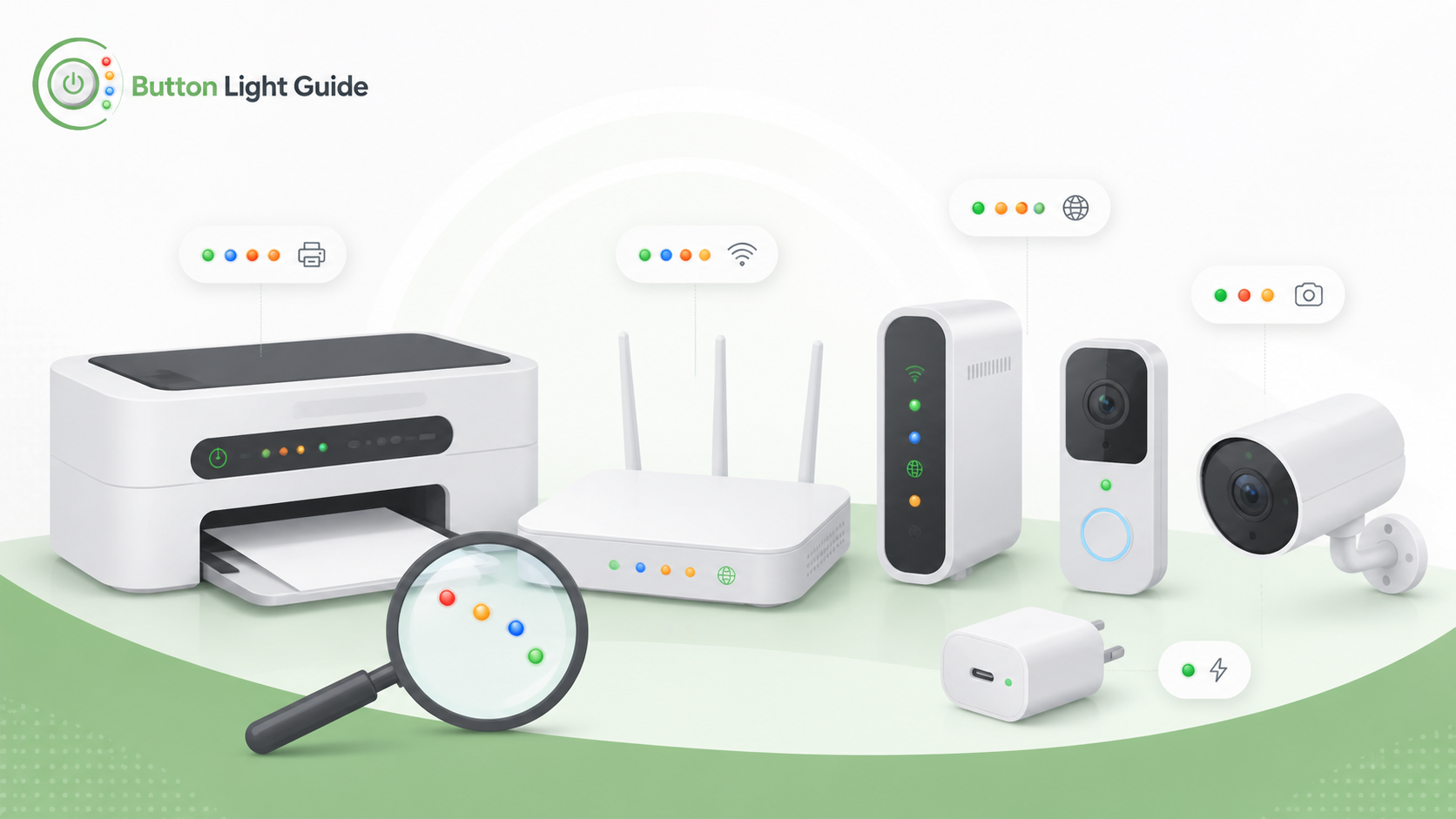
A blinking blue light on an Xfinity Gateway means WPS mode is active and the gateway is trying to connect with another wireless device.
Helpful context
Xfinity gateways and related internet devices can use blue, white, amber, green, or blinking status lights to show setup, WPS pairing, internet connection, firmware activity, or a service issue. Light meanings can change by gateway generation.
The safest approach is to match the light color, blinking pattern, and the exact device model before restarting equipment or changing Wi-Fi settings. A blinking setup light is not always a failure, and an offline light does not always mean the modem itself is broken.
Helpful next guides
Browse model-specific light meanings and common status LED fixes for this brand.