Quantum Fiber C4000 Blinking Orange and Green: Meaning
On Quantum Fiber C4000 equipment, blinking orange and green can indicate an automatic firmware update is in progress.
Orange and GreenBlinking alternating colorsverified

Device category
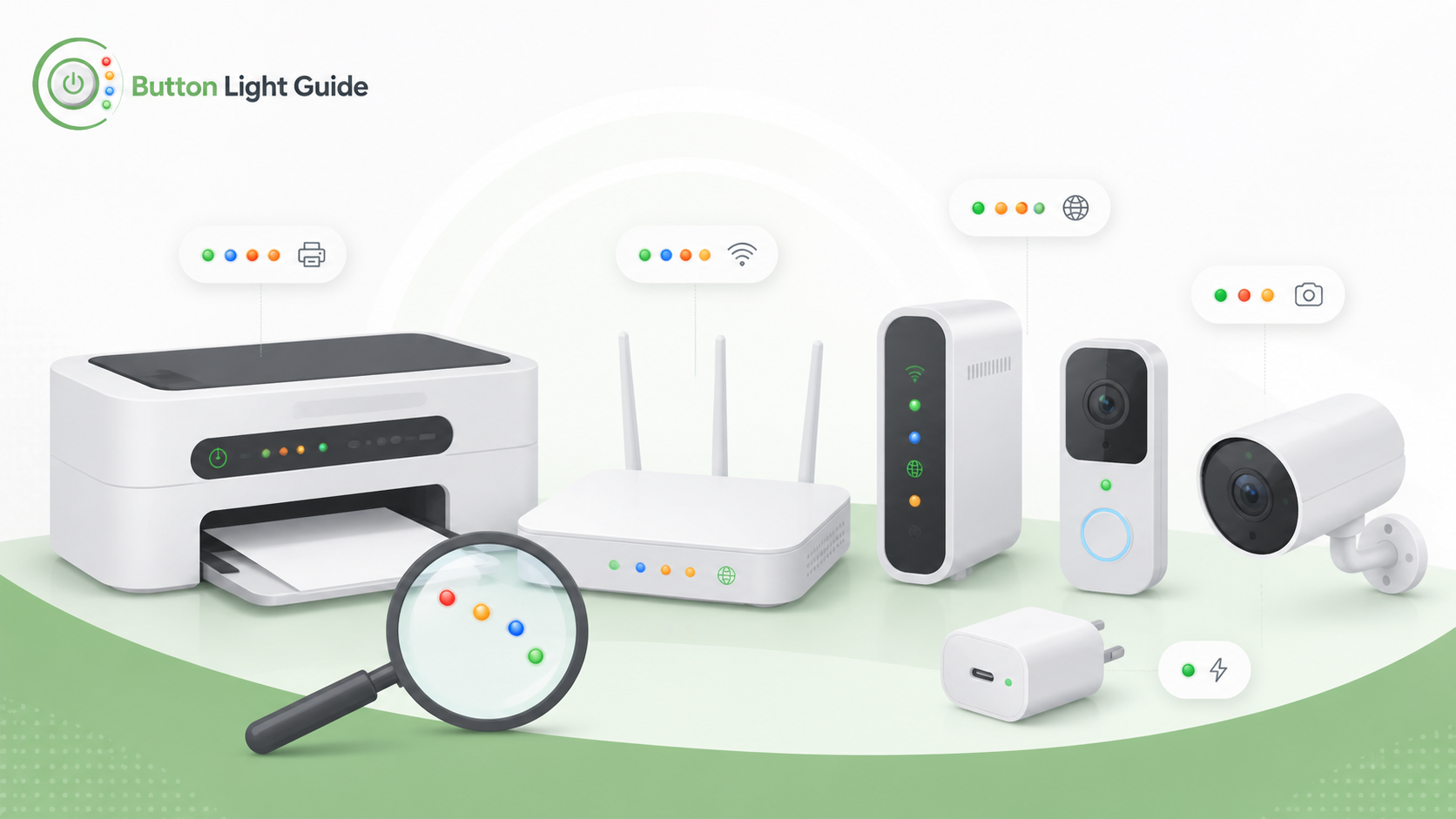
On Quantum Fiber C4000 equipment, blinking orange and green can indicate an automatic firmware update is in progress.
A blinking orange WPS light on Quantum Fiber equipment means WPS is trying to connect to a device.
A blinking red WPS light on Quantum Fiber equipment means a WPS connection error occurred.
On Spectrum modem guidance, a blinking Online light means the gateway is going through startup and registration.
On Spectrum modem guidance, the Online light being off means there is no cable connectivity.
A blinking blue light on an Xfinity Gateway means WPS mode is active and the gateway is trying to connect with another wireless device.
Helpful next guides
Use these guides to jump into common light patterns, model pages, and troubleshooting paths for this device type.