Spectrum Modem Online Light Blinking: Meaning and Fix
On Spectrum modem guidance, a blinking Online light means the gateway is going through startup and registration.
SpectrumModem LightsBlue or status color

Light color
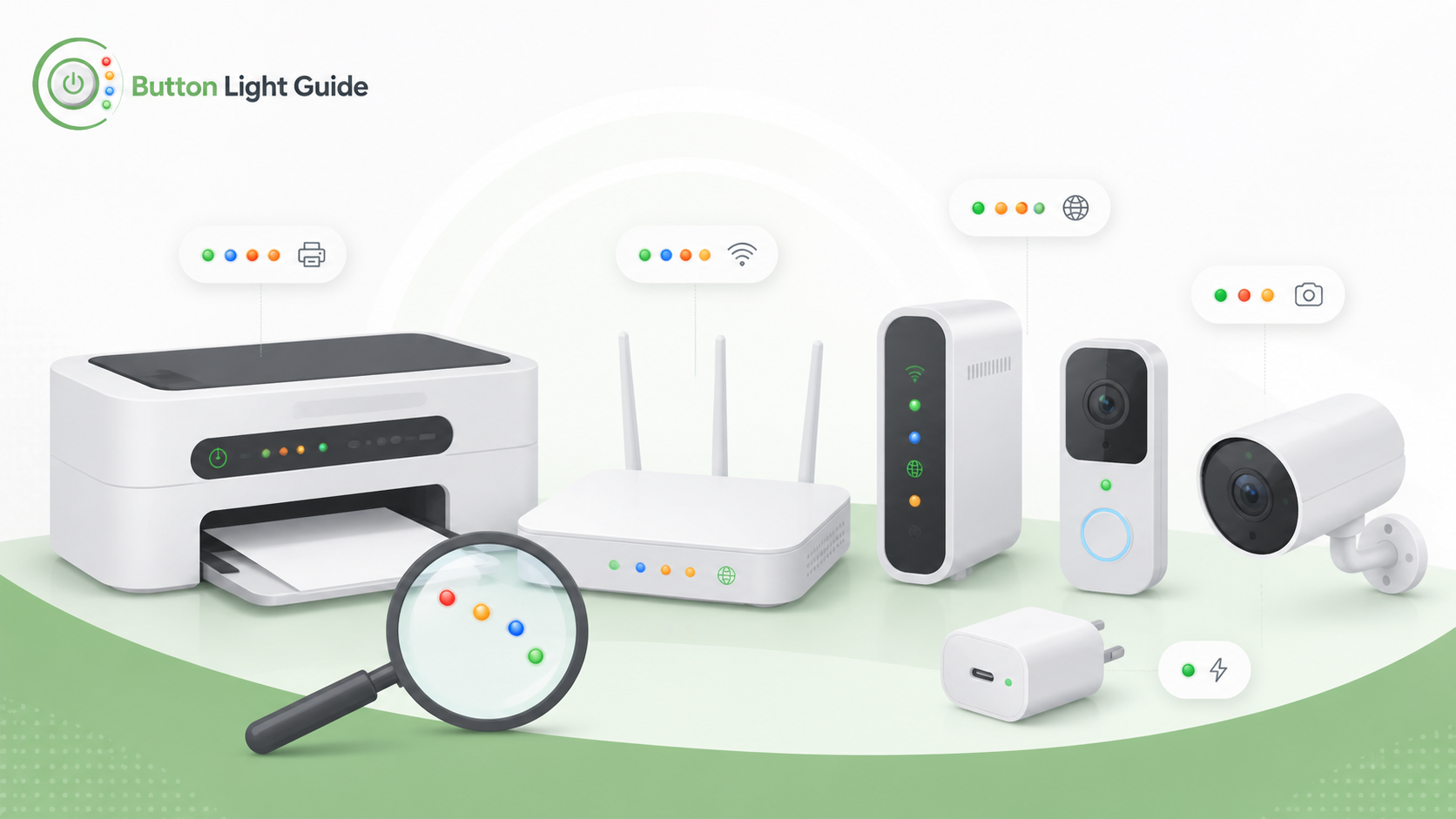
On Spectrum modem guidance, a blinking Online light means the gateway is going through startup and registration.
A blinking blue light on an Xfinity Gateway means WPS mode is active and the gateway is trying to connect with another wireless device.
If the Brother DCP-T220 WiFi Button/LED keeps blinking for more than a few minutes, Brother recommends restarting Wi-Fi from the printer controls.
On the DYMO LabelWriter 550, a dim status light means the printer is in power saving mode.
On the DYMO LabelWriter 550, a fast blinking status light means an error occurred, such as missing labels or another error condition.
On the Epson ET-M1170, the Wi-Fi and Wi-Fi Direct lights flashing mean a Wi-Fi connection error occurred.
On HP DeskJet 2700 printers, the Wireless light blinking with the Wireless Attention icon on and signal bars cycling means the wireless connection is on, but the printer cannot find a wireless signal.
On the HP DeskJet 2700, the Wireless light and signal bars blinking together means the printer is in WPS progress mode.
On the HP DeskJet 2700, a blinking blue Wireless light with cycling signal bars means the printer is in Auto Wireless Connect setup mode.
On the HP DeskJet 2700, the Wireless light blinking fast three times and returning to its prior state means wireless capability is disabled.
On ASUS router rescue-mode guidance, a slowly flashing power indicator means the router has entered Rescue Mode.
On eero, a blinking blue light means Bluetooth pairing.
On eero, a solid blue light means the eero is ready for setup.
On Google Nest Wifi Pro, slow pulsing blue means the device is ready for setup.
On a NETGEAR Orbi satellite, a solid blue ring for about 3 minutes means the satellite has a good backhaul connection to the router.
On Arlo camera LED guidance, alternating blue and amber means a firmware update is in progress, and Arlo warns not to turn the camera off.
On Blink Mini guidance, blinking red and blue during a hard reset is a signal to release the reset button.
On Blink Mini cameras, solid green with blinking blue means the camera is in pairing mode and ready to be set up.
On eufyCam 2 / 2C / 2 Pro / 2C Pro guidance, blinking red and blue alternately means firmware is upgrading.
On eufy IndoorCam guidance, breathing blue means the camera is ready for setup.
On Ring Indoor Cam guidance, a blue light flashing three times and then stopping means setup failed because the camera could not connect to the home Wi-Fi network.
On Ring Indoor Cam guidance, a blue light flashing two times and then staying on for two seconds means a firmware update is in progress.
On Ring Outdoor Cam and Stick Up Cam guidance, a blue light flashing slowly means the camera is in setup mode.
On Ring Outdoor Cam and Stick Up Cam guidance, a solid blue light means the camera is starting up.
On Wyze Cam v3 Pro, flashing red and blue means the connection is in progress.
On Wyze Cam v3 Pro, a solid blue status light means the camera is powered, connected, and working properly.
On the Alarm.com ADC-VDB780B, a blinking blue button LED means the doorbell is in WPS pairing mode.
A Ring Video Doorbell blue circle light flashing slowly means the doorbell is performing a factory reset on many battery-powered Ring doorbells.
A Ring Video Doorbell blue circle light moving upward means the doorbell is connecting to Wi-Fi during setup.
A Ring Video Doorbell blue light spinning clockwise means the doorbell button was pressed.
Helpful next guides
Compare what this color means across different brands, models, and device categories.