Levoit Core 200S Red Check Filter Light: Meaning and Reset
On the Levoit Core 200S manual, the Check Filter Indicator lights up red as a reminder to check the filter based on how long the purifier has been used.
LevoitRedLights up red

Blinking pattern
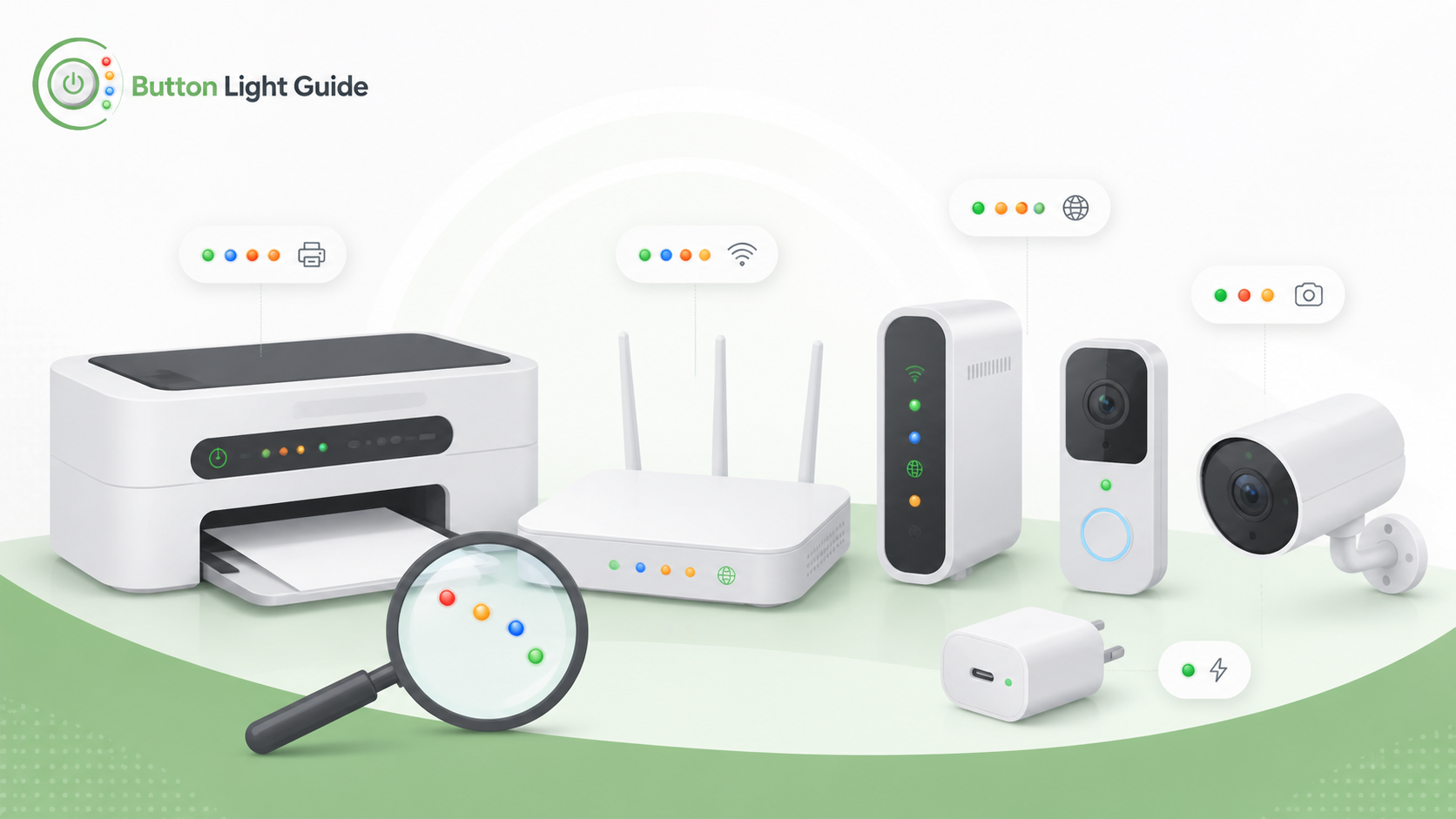
On the Levoit Core 200S manual, the Check Filter Indicator lights up red as a reminder to check the filter based on how long the purifier has been used.
On the Levoit Core 300S manual, the Check Filter Indicator turns on when it is time to check the filter.
On APC Back-UPS guidance, a solid red Overload LED means connected equipment is drawing more power than the UPS can provide.
On APC Back-UPS guidance, a solid red Replace Battery LED means the automatic diagnostic test determined the battery is near the end of its useful life.
On APC Back-UPS guidance, a solid yellow On Battery LED means the UPS is operating on battery power.
On the Belkin BOOST↑UP Qi Wireless Charging Pad F8M741/F8M747, a solid green light means the device is fully charged, if the device supports full battery communication.
On the Belkin BOOST↑UP Qi Wireless Charging Pad F8M741/F8M747, an orange light means the input power supply or USB cable is not good enough to supply power.
On the Belkin BOOST↑UP Qi Wireless Charging Pad F8M741/F8M747, a red light means the pad detected an incompatible device and will not charge.
On the Belkin SOUNDFORM ELITE, an orange wireless charging light means an incompatible device or object is on the wireless charging pad and should be removed.
On the Belkin SOUNDFORM ELITE, a white wireless charging light means the pad is on and a compatible device has been placed on it.
On Anker's indicator-light guidance, the four small round indicator lights represent battery level ranges from 0-25%, 25-50%, 50-75%, and 75-100%.
On Apple's MagSafe Battery guidance, the status indicator is amber while the MagSafe Battery is charging.
On Apple's MagSafe Battery guidance, the status indicator turns green when charging is complete.
On the Brother HL-L2300D, a dimmed green Ready LED means the printer is in Sleep mode or Deep Sleep mode.
On the Brother HL-L2310D, the Drum LED indicates the drum unit must be replaced soon.
On the Brother HL-L2310D, the Toner LED indicates the toner is low.
On the DYMO LabelWriter 550, a dim status light means the printer is in power saving mode.
On the Epson ET-M1170, the ink light on can mean initial ink charging or ink refilling may not be complete.
On Zebra ZT411 / ZT421 printers with ZebraNet wired Ethernet, a steady red NETWORK light means an Ethernet error condition exists and the printer is not connected to the network.
On eero, a solid blue light means the eero is ready for setup.
On eero, a solid red light means the eero is offline.
On eero, a yellow or orange light means a power supply problem.
On a NETGEAR Orbi router, a solid magenta ring light means the Orbi has no Internet connection.
On a NETGEAR Orbi satellite, a solid blue ring for about 3 minutes means the satellite has a good backhaul connection to the router.
On the TP-Link Archer A7 / C7, a solid green Internet light means internet service is available.
On the TP-Link Archer A7 / C7, a solid orange Internet light means the Internet port is connected, but internet service is not available.
On a Blink Sync Module, a solid red LED during setup means it cannot connect to your Wi-Fi network or the Wi-Fi password may be incorrect.
On eufyCam 2 / 2C / 2 Pro / 2C Pro guidance, solid red means the camera failed to connect to the network.
On eufy IndoorCam guidance, solid red means live streaming or recording events.
On Google Nest camera and doorbell guidance, the status light turning solid green means the camera is recording.
On Google Nest camera and doorbell guidance, a solid yellow status light means factory reset has started.
On Ring Outdoor Cam and Stick Up Cam guidance, a solid blue light means the camera is starting up.
On Wyze Cam v3 Pro, a solid blue status light means the camera is powered, connected, and working properly.
ecobee says a red light bar on Switch+ indicates privacy mode.
On the Alarm.com ADC-VDB770, a solid green LED means the doorbell is connected to Alarm.com.
On the Alarm.com ADC-VDB770, a solid red LED means there is no local or internet connection.
On Arlo Video Doorbell LED guidance, a solid white button light means the doorbell is connected to a call.
Helpful next guides
Compare this blinking or status pattern across different device types and brands.